DOM XSS in AngularJS expression with angle brackets and double quotes HTML-encoded | Practitioner
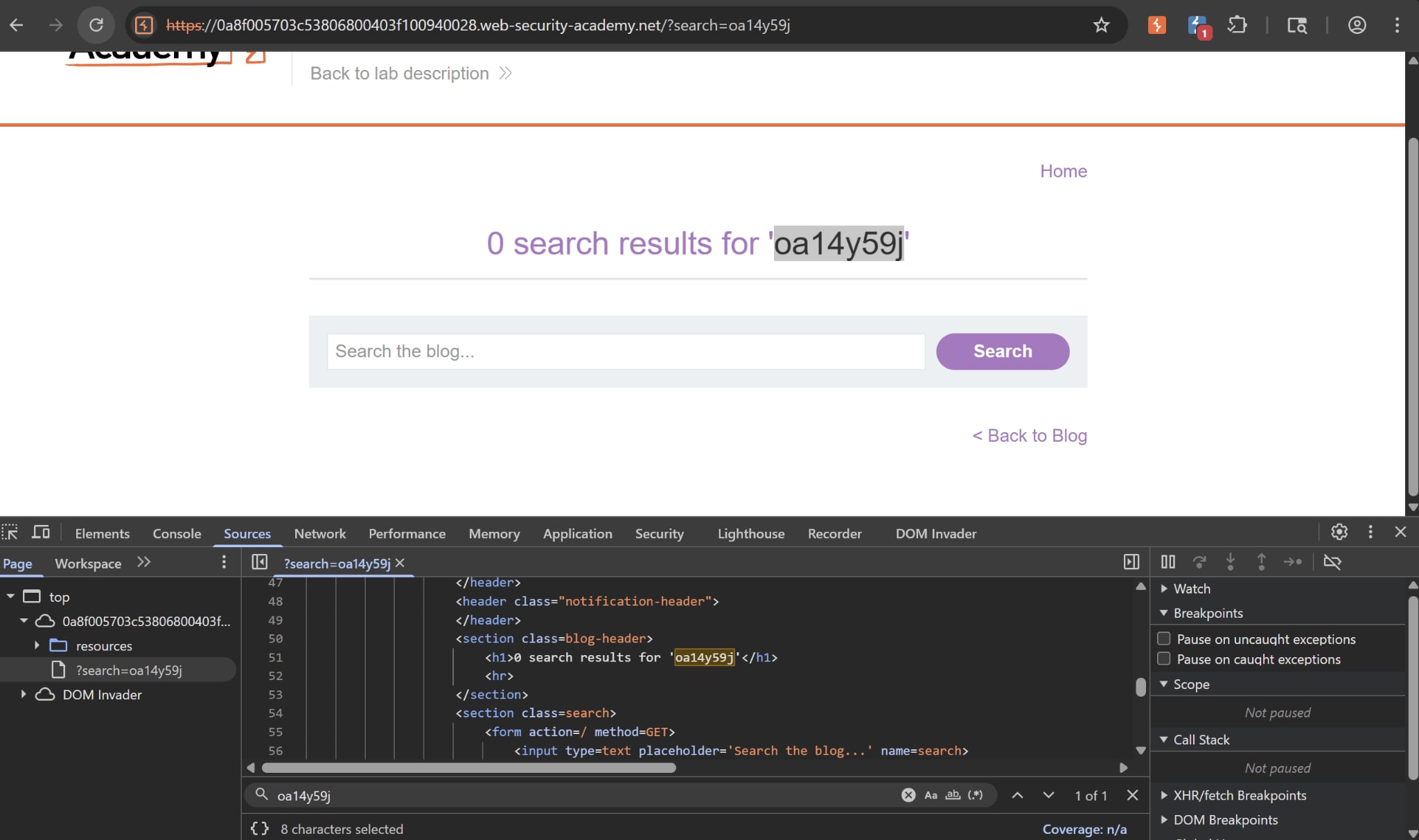 First, we try to punch the search functionality by inputting our canary string into the search bar. Notice that our string will be written inside the HTML source, which opens up room for XSS payloads.
There is also an ng-app attribute inside the body tag, which means when the webpage loads AngularJS will be in control of whatever inside that tag. When a directive is added to the HTML code, we can execute JavaScript expressions within double curly braces. This technique is useful when angle brackets are being encoded.
But if we try inserting {{ alert(1) }} into the search bar, nothing happens. This is because Angular is actively filtering objects that live in the global window object, such as alert, document.cookie or location. It only allows objects within its local scope.
But there is a way to bypass this. If we call constructor.constructor, we are grabbing the native JS Function builder, which has a rule that dictates any function built using Function() will be executed in the global scope.
Thus our payload is:
{{ constructor.constructor('alert(1)')() }}
This will build a new function that alerts the number 1 to the window in the global scope, Angular will be none the wiser and execute this, bypassing the filter entirely. Very interesting problem.